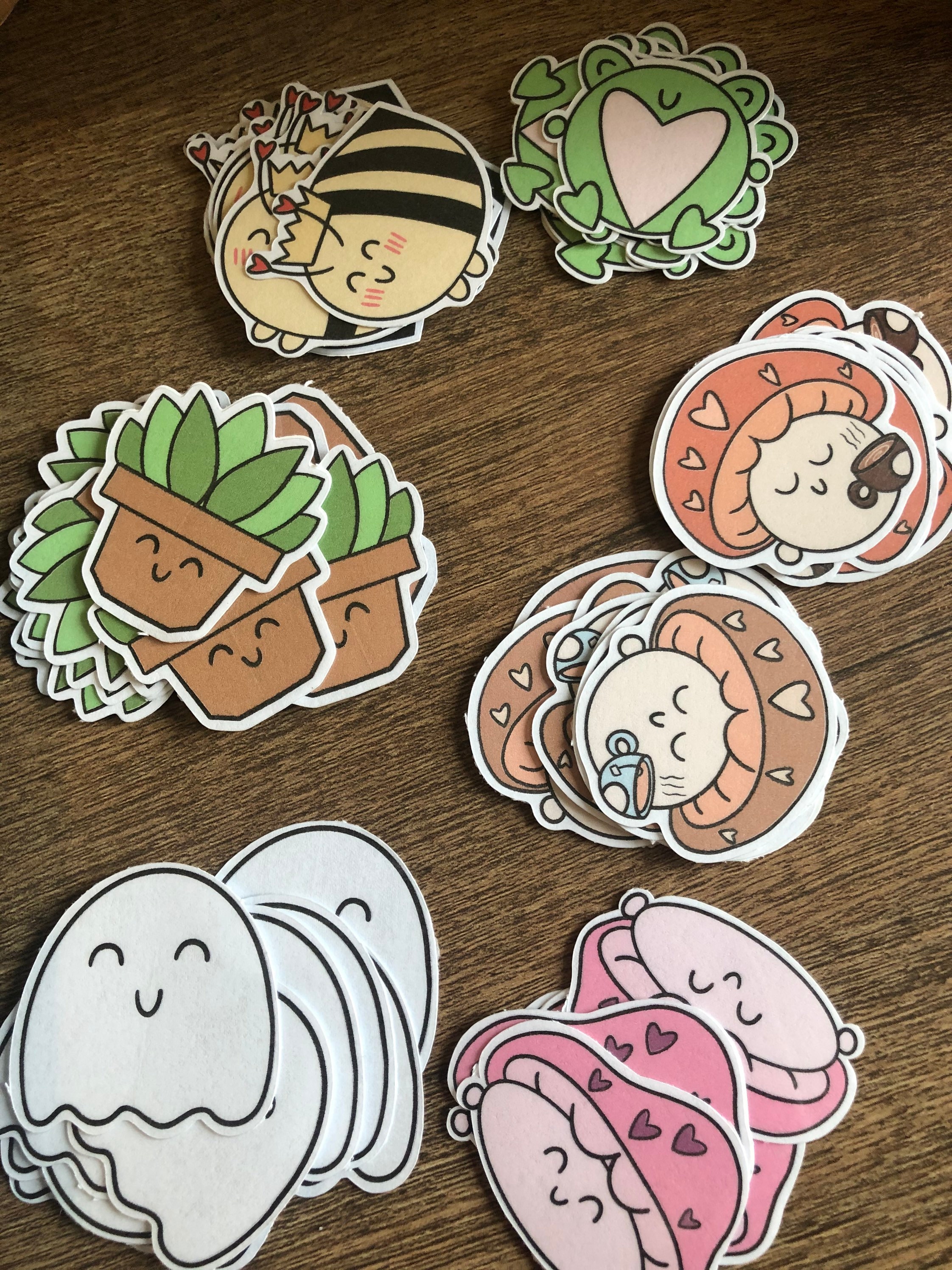
Create Your Own Printable Stickers
Designing Your Stickers
Creating your own printable stickers can be a fun and rewarding DIY project. With a few simple materials and some basic design skills, you can make your own custom stickers at home. Whether you're looking to decorate your laptop, water bottle, or journal, printable stickers are a great way to add a personal touch. To get started, you'll need a few basic materials, including a computer, a printer, and some sticker paper.
When it comes to designing your stickers, the possibilities are endless. You can use a software program like Adobe Illustrator or Canva to create your designs, or simply use a word processing program like Microsoft Word. Consider the theme, color scheme, and text you want to include on your stickers. You can also add images, shapes, and other graphics to make your stickers more visually appealing. If you're feeling stuck, you can find plenty of inspiration online, including free sticker templates and design ideas.
Printing and Using Your Stickers
Once you have your design, it's time to print your stickers. Make sure to use the correct settings on your printer to ensure the best quality. You may need to adjust the paper size, orientation, and print quality to get the desired result. It's also a good idea to do a test print on regular paper before printing on sticker paper to make sure everything looks good. With your stickers printed, you can now use them to decorate your favorite items or give them as gifts to friends and family.