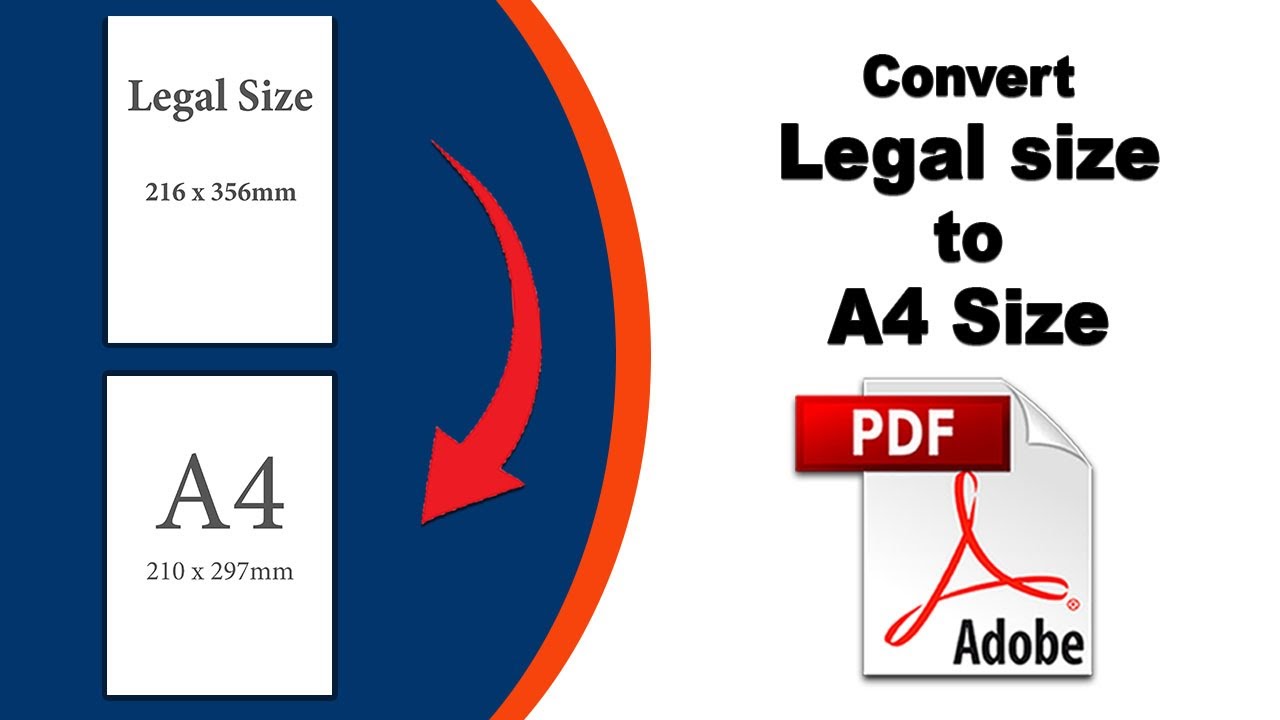
How to Print Legal Size to A4 Size in PDF: A Step-by-Step Guide

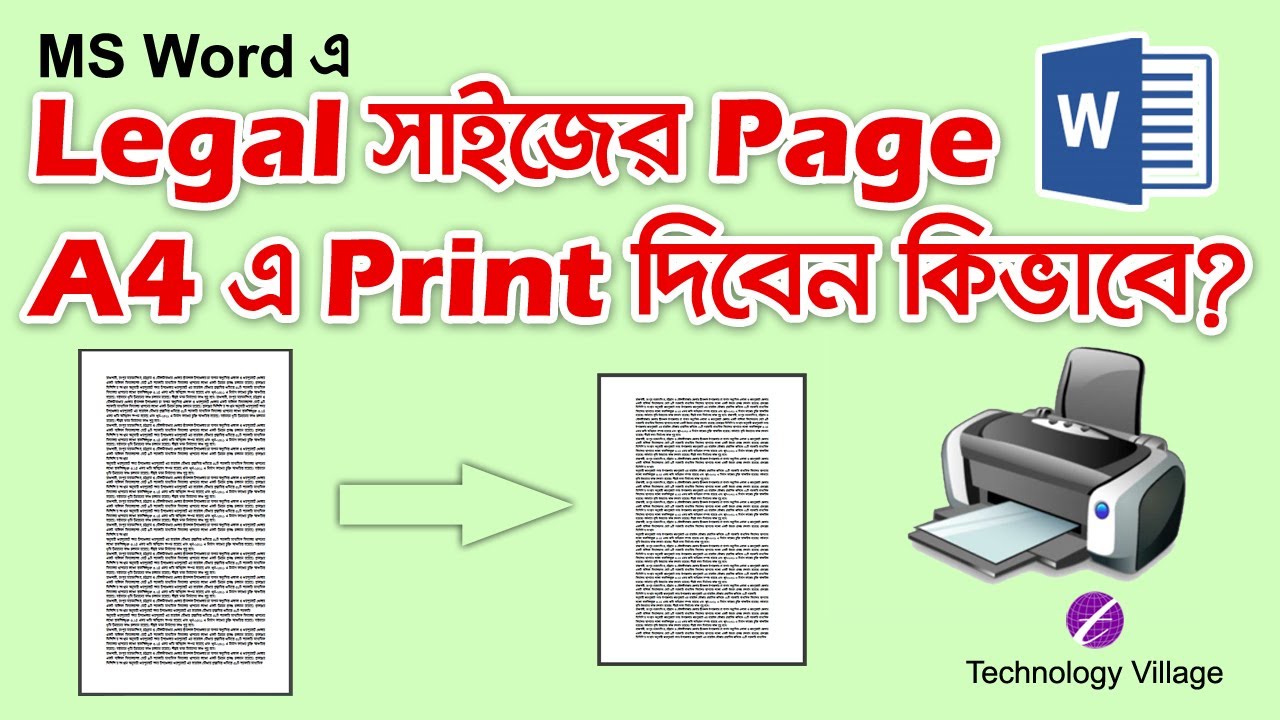

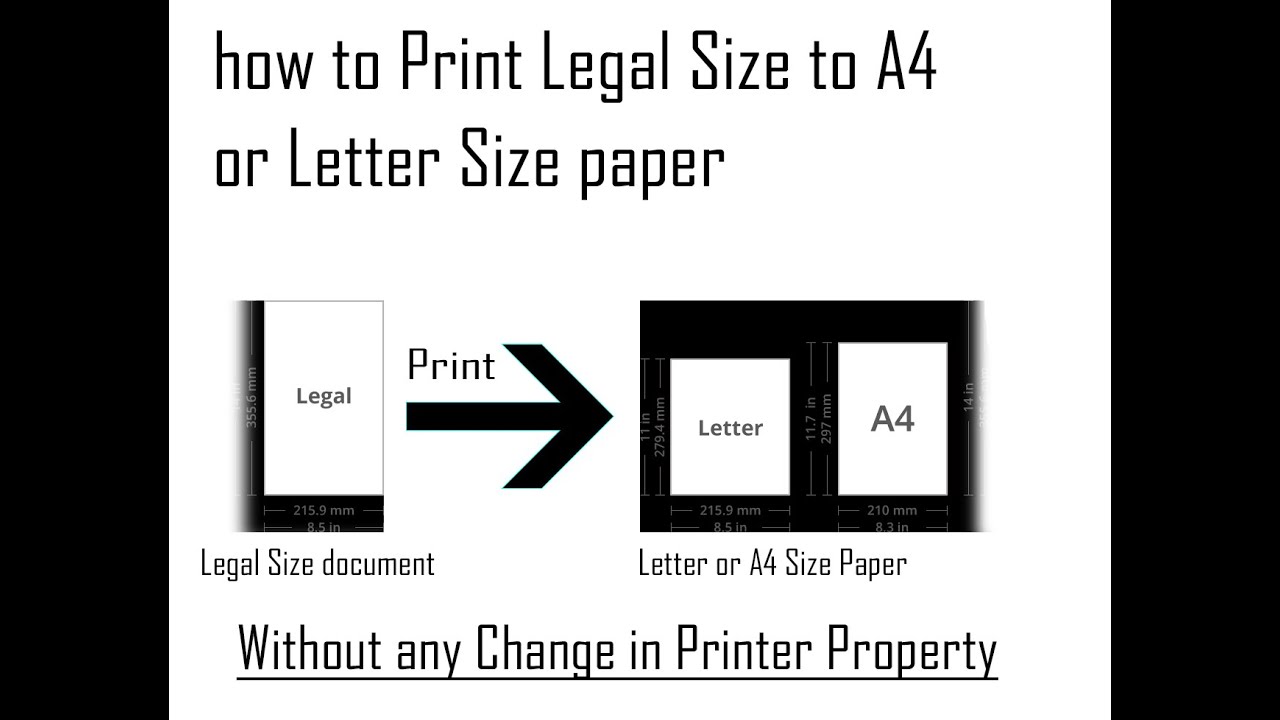
Understanding the Difference between Legal and A4 Sizes
Step-by-Step Guide to Printing Legal Size to A4 Size in PDF
To print a legal size document to A4 size in PDF, follow these simple steps: open your PDF document, select the 'print' option, and choose the A4 paper size. You can then adjust the page size and layout settings as needed. If you're using Adobe Acrobat, you can use the 'resize' option to automatically adjust the document to fit the A4 page. Finally, print your document and check that everything is in the correct place.